
.webp)




.png)
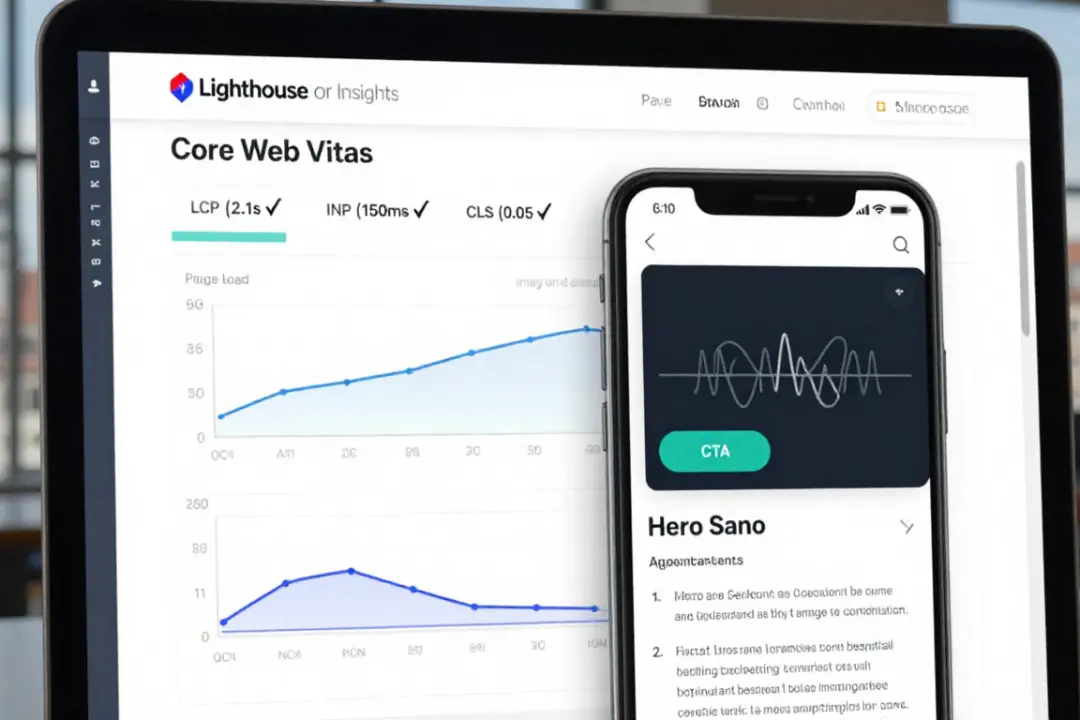
A fast website doesn't just feel better sold often better A consistent Website performance optimization reduces waiting times reduces jumps and makes user paths easier, especially on mobile devices In Germany and Munich, visitors today expect loading times that are “immediate” and interactions that respond without delay
In this article, you will get a clear practical guide
- Which key figures really count
- How to measure performance correctly
- Which measures bring the most
- How to set priorities without getting bogged down
- How UX and marketing goals fit together

Website performance optimization
The basis is simple A website performs well when it is quickly visible, reacts quickly and remains stable while it loads Exactly these three areas are also behind the Core Web Vitals load time interactivity and visual stability
So that you don't work on symptoms, this order applies
- gauging before you change
- shortages Identify instead of optimizing everything at the same time
- Impact Prioritize according to user path and revenue relevance
- Just one variable Change per test so that you learn
Typical causes of poor performance
- images and videos that are too large
- too much JavaScript and third party code
- slow hosting and high server response time
- lack of caching
- too many fonts and render blocking resources
- unstable layouts due to reloading elements
Why UX directly influences
- Every second of delay acts like uncertainty
- “jerky” pages destroy trust
- Forms are aborted if the page looks sluggish
- Users click incorrectly when content moves
Significantly improve UX
UX doesn't just mean beautiful design UX is also speed, clarity and response
These UX effects are most commonly visible in projects
- More peace Because nothing jumps
- More orientation because content gets there faster
- More deals because forms respond without delay
- More trust Because everything looks stable
Specific UX adjustments
- Load Above the Fold first
- clear hierarchy with real headlines
- Buttons big enough and instantly clickable
- No popups that block immediately
- Skeleton screens instead of empty spaces
- useful load indicators for forms
If you think of performance as part of your overall appearance, it's worth combining with Advertising & marketing because campaigns are only efficient if the landing page is fast and convincing
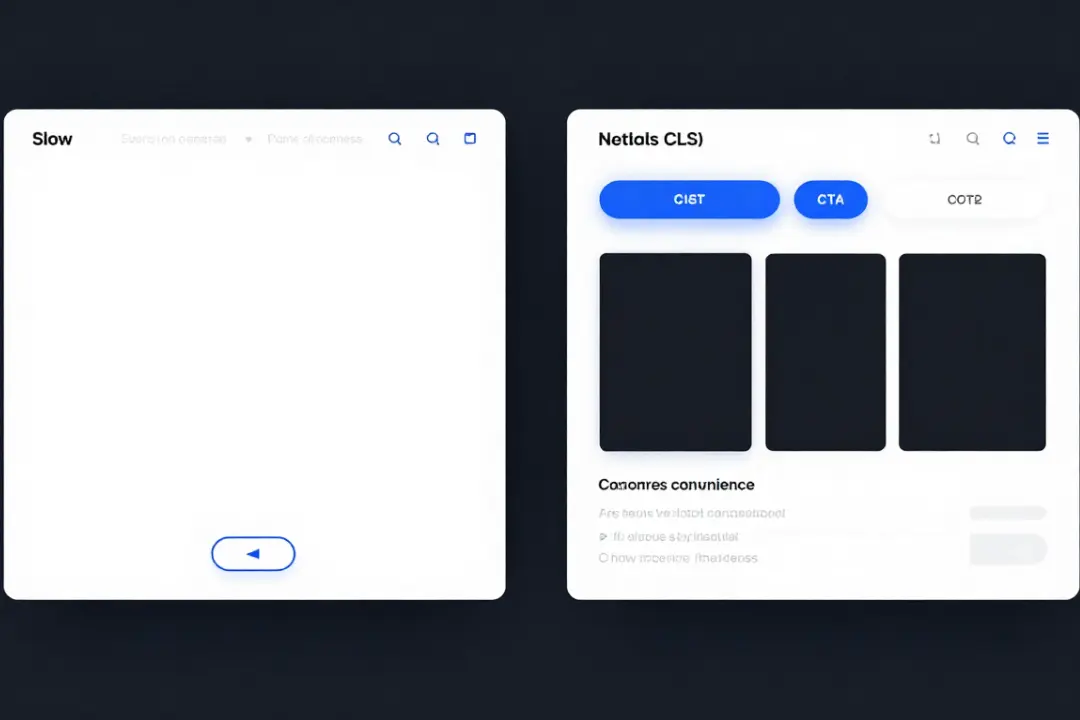
Measure website performance optimization
Without measurement, you optimize by feeling That almost always leads to wrong priorities
Two types of data are important
- field data real users under real conditions
- laboratory data reproducible tests for debugging
Field data tools
- Google Search Console Core Web Vitals report
- Chrome UX report data in many tools
- Real user monitoring RUM with clean setup
Lab data tools
- Lighthouse
- PageSpeed Insights
- WebPageTest
- DevTools Performance Panel
PageSpeed Insights combines Lighthouse analyses and provides tips for improvement
Important for making clear decisions
- Always measure Mobile first Because that is often the bottleneck
- Test not only the homepage but the most important landing pages
- Check templates separately e.g. product page category blog contact
Core Web Vitals goals
For most websites, these target values are a very good standard
- LCP good up to 2 5 seconds
- INP good up to 200 milliseconds
- CLS good up to 0 1
These limits are explained in the Web Vitals guidelines
What the values mean in practice
- LCP shows when the main content is visible
- INP shows how quickly the page reacts to submissions
- CLS shows whether layouts jump when loaded
Typical symptoms and causes
- LCP high because Hero image is too big or server is responding slowly
- INP up because JavaScript is blocking the main thread
- CLS up because images without fixed dimensions are loaded or banners slide
If you are currently comparing offers and service providers, it is worth taking a structured look as with Compare and correctly select management consultancies so that you don't buy performance as a “one-time fix” but as a process with clear KPIs
Find diagnoses quickly
Before you optimize, you need to know where time is lost
Practical diagnosis process
- Use PageSpeed Insights for an overview
- Save Lighthouse Report
- Check waterfall network analysis
- Identifying Largest Requests
- Search JavaScript Long Tasks
- Localize layout shifts
- Measure TTFB servers
Merke
- A single huge image can do more harm than ten small ones
- A chat widget can destroy INP
- A cookie banner can trigger CLS if it is incorrectly integrated
Hosting and server time
Server performance is often the invisible brake Especially in Munich with many local service providers, you often see strong differences between hosting setups
Key Factors
- TTFB Time to First Byte
- Server-level caching
- Database queries and backend logic
- PHP node or framework versions
- Geographic server proximity and CDN
High-impact measures
- Activate full page cache where possible
- Redis Memcached Cache object
- Check database indexes
- remove unnecessary plugins
- CDN for static assets
If you are planning major renovations is Web design & web development the right framework because performance usually results from the interplay of code structure and system architecture
Optimize images correctly
Pictures are almost always the biggest weight block and therefore the fastest lever
Best Practices
- modern WebP or AVIF formats
- Deliver the right sizes instead of huge originals
- Using srcset responsive images
- Lazy loading for content below the fold
- Prioritize Hero image preload
- Compress images without any visible loss of quality
Specific guidelines for everyday life
- Hero images often 150 to 400 KB instead of several MB
- Thumbnails usually under 50 KB
- Icons as SVG instead of PNG
Typical mistakes
- Background images as a huge JPG
- Slider with five large images directly when loading
- no fixed image dimensions which increases CLS
Reduce JavaScript
When LCP and INP are bad, there is often too much JavaScript behind it
What you should prioritize
- Minimize third-party scripts
- Only load what is actually being used
- Code Splitting and Lazy Loading
- Remove Unused JavaScript
- shorten long tasks
- Check framework overhead
Third party classics press the performance
- several tracking tags in parallel
- Heatmaps and session recording without control
- Chat widgets with heavy bundles
- A B testing tools without clean rules
Better approach
- just a tag manager setup with clear rules
- Scripts only after consent and only when required
- Check server-side solutions when appropriate
Fonts and rendering
Fonts can make the page look “empty” when they block
recommendations
- only 1 to 2 font families
- load only necessary cuts
- Using woff2
- Font display swap
- critical fonts preloading
- Consider system fonts for maximum speed
For strong visual recognition without sacrificing performance, a sleek design system is worth its weight in gold if you want to build up branding and UX consistently Logo design agency for strong recognition provide the basis so that design is not difficult but efficient
Keep CLS stable
Visual stability is pure UX When elements jump, the page looks unprofessional
CLS Quick Wins
- Always define image and video sizes width height
- Reserve placeholders for ads and embeds
- Include cookie banners and popups so that nothing slips
- No late injects above the fold
- dynamic content with reserved space
Check questions
- Does text shift when loaded
- Does a button slide away just before you click
- reloads a banner and pushes everything down
INP under control
INP shows how quickly your site reacts to inputs When users click, tap or scroll, nothing should get stuck
Typical causes
- too much JavaScript in the main thread
- great framework hydration
- heavy event handlers
- too many DOM elements
- complex animations
Practical measures
- Simplify event handlers
- Use Debounce and Throttle
- Prioritize critical interactions
- Web worker for heavy computations
- less UI overhead per page
Optimize mobile first
In Germany, a large proportion of accesses come in via mobile devices and mobile is slower than desktop
Mobile success principles
- Only load the bare essentials
- Above the Fold extremely slim
- large tap targets
- clear form UX
- No autoplay videos
- real performance tests on mid-range devices
For local providers in Munich, there is also
- Make quick contact options visible
- Call click and WhatsApp click track
- Clearly represent location content and trust
If you want to improve regional visibility in parallel helps Local SEO agency for regional findability because local site structure and load time together strengthen the user experience
UX and conversion
Performance optimization is not just technology, it is a conversion lever
What often improves in practice
- more inquiries via contact forms
- more scroll depth and longer sessions
- fewer jumps in campaign traffic
- better quality of leads because users are not frustrated
Specific conversion levers without tables
- Reduce form fields
- Activate autocomplete
- Show error messages immediately
- Charging indicator when sending
- Clear and quick confirmation
When you focus performance on growth, the connection fits Lead generation agency for sustainable growth because fast pages and clear funnels can directly reduce costs per lead
Measurable roadmap
To really see progress, you need a plan that works in weeks
Week 1 analysis
- Check Core Web Vitals field data
- Run Lighthouse per template
- Select top 5 pages by traffic and revenue
- Note bottlenecks images JS Server CLS
- Set priorities by impact
Week 2 Quick Wins
- Optimize image sizes and formats
- Set lazy loading correctly
- remove unnecessary scripts
- Activate cache
- fixed dimensions for images and embeds
Week 3 structure
- Check critical CSS
- Code Splitting
- Optimize fonts
- Improve TTFB server
- CDN setup for assets
Week 4 fine-tuning
- Reduce INP long tasks
- real device tests
- Test conversion flow
- Establish monitoring
- Report with KPIs and next steps
Content and performance
Content decisions also influence performance
examples
- large sliders instead of a clear hero section
- too many embedded maps videos or widgets
- endless tracking pixels
Better
- clear sections with real benefit points
- Use and compress media in a targeted manner
- Click-to-play videos
- Build content modularly so that pages remain lean
If you work with local landing pages is Local SEO for more customers from the region a strong partner approach because you can create targeted content for Munich and the surrounding area without unnecessarily overloading the site
Monitoring without stress
Performance is not a project that you complete once it's a routine
Simple monitoring structure
- monthly PageSpeed Insights Check for top pages
- Check Core Web Vitals weekly in Search Console
- Smoke test after every release
- Landing page check for campaign launch
- Alerts for major break-ins
Important KPI view
- LCP INP CLS field data
- Conversion rate of the most important pages
- Paid traffic bounce rate
- Abandonment rate form
- TTFB Trends
Performance for Munich
Why Munich has special requirements
- high competition in many industries
- Users compare quickly
- Trust comes from professionalism and stability
- mobile use on the move is frequent
Local best practices
- Location and contact immediately visible
- short clear performance pages
- quick appointment or inquiry channels
- no overloaded start pages
- local proof elements reviews references
Worthwhile for the strategic integration of technology offerings and positioning Business consulting & strategy so that UX performance and business goal really go together
Performance optimization website Klarwerk
When you your Website performance optimization If you do not want to set up as a checklist but as a growth system, you need clear KPIs, clean measurement and consistent implementation Klarwerk agency combines performance UX and marketing goals so that your website looks faster in Germany and especially in Munich runs more stably and converts better
What you should expect from this
- Audit for templates and user paths
- Priority list by impact and effort
- Implementation with clean testing
- Monitoring and reporting with clear KPIs
- Focus on UX not just on scores
Book 15 minutes now
contact +49 1579 2497112 +49 89 38169101 · info@klarwerk-agentur.de
Save 30 percent today
FAQ
What does website performance optimization really do?
Improve faster pages UX reduce bounds and often increase the conversion rate, especially with mobile and campaign traffic
Which key figures are most important?
LCP INP and CLS as Core Web Vitals plus conversion rate and bounce rate of the most important landing pages
How quickly can you see results?
Quick wins often visible in days stable improvements usually after several weeks because measurement tests and releases must run smoothly
Which measure is most effective?
Very often image optimization less JavaScript and better caching because these three areas strongly influence load time and interactivity
Do I need an agency for that?
When internal resources are lacking or many systems work together, an agency helps clean implementation and monitoring through clear priorities so that no time is lost
conclusion
Website speed is UX trust and revenue at the same time Whoever consistently measures performance prioritizes and improves creates a user experience that clearly stands out in Germany and in Munich If you want to approach this in a structured way, a clear roadmap with Core Web Vital's goals Quick Wins and continuous monitoring is the fastest way to stable UX and better results