.webp)



.png)
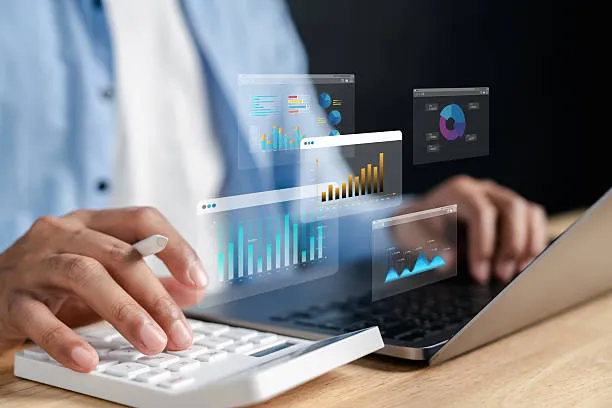
Comparing accounting software — Which solution is right for you? is an important question for all entrepreneurs.
There are many programs that offer different features and benefits.
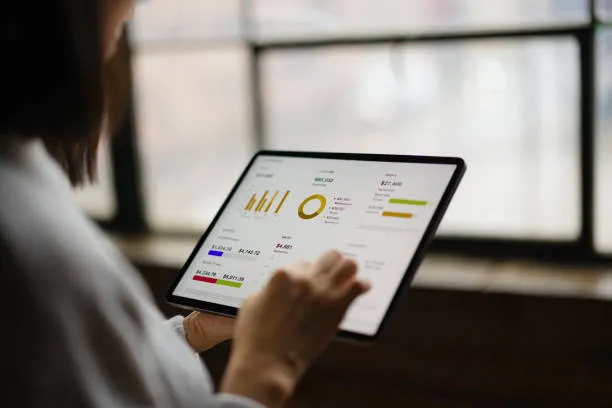
Whether it's a cloud or desktop solution, automated document entry or integration with tax advisors — the choice is huge.
Ease of use, security and good support are important.
In our comparison, we show popular options such as Lexware, sevdesk, WISO or BuchhaltungsButler.
This guarantees that you will find the right accounting software for your company.
Start smartly and efficiently now!
DATEV
DATEV is particularly popular with tax advisors and offers comprehensive functions for accounting:
- Comprehensive features: Suitable for companies of all sizes, from small start-ups to large corporations.
DATEV offers a wide range of features that cover all aspects of accounting. This versatility makes it an attractive choice for a wide range of businesses.
- Direct collaboration with tax advisors: Efficient data transfer that makes collaboration easier.
This direct connection ensures that all relevant financial data is up to date and correct.
This improves the accuracy of your accounting and reduces the hassle of manual entries.
- GoBD compliant: Ensuring compliance with legal requirements, which is particularly important for companies in Germany.
DATEV ensures that all of your financial transactions comply with legal requirements.
This protects your company from legal problems and ensures smooth processing of audits.
QuickBooks
QuickBooks is another popular option, particularly for small businesses and startups. It offers:
- User-friendly interface: The intuitive user interface makes it easy to get started and makes the software accessible even for beginners.
Even without deep accounting knowledge, users can quickly learn how to use QuickBooks effectively.
- Versatile features: From invoicing to payroll, QuickBooks covers a wide range of accounting features.
This versatility makes it an attractive choice for companies with diverse needs.
- Cloud-based solution: Offers flexibility and allows access from anywhere.
Being able to access your accounting data from any device is a huge advantage.
This means that you can manage your finances on the go without being tied to a fixed workplace.
Xero
Xero is a cloud-based accounting software that stands out for its ease of use and comprehensive features:
- Easy integration: Can be seamlessly integrated with a wide range of third-party apps.
This flexibility allows you to tailor Xero to meet your specific business needs.
Integration with other tools and services improves efficiency and reduces administrative burdens.
- Strong reporting features: Provides detailed reports and analysis to help you make informed business decisions.
These insights are critical for identifying financial trends and planning future strategies.
The ability to generate reports quickly and easily saves time and provides clarity about your organization's financial health.
- Cloud-based: Enables access to your financial data from anywhere, which is particularly beneficial in an increasingly mobile working world.
The flexibility of being able to access your accounting data from any device is a huge advantage.
This means that you can manage your finances on the go without being tied to a fixed workplace.
If you want to further optimize your accounting processes, we recommend our guide with 10 tips for efficient bookkeeping and tax savings.
Integration with tax advisors and banks
A key advantage of modern accounting software is the ability to seamlessly integrate with tax advisors and banks.

This makes data transfer easier and reduces the effort required for manual entries.
Seamless integration also means that all relevant financial data is always up to date and correct.
Benefits of integration
- Time savings: Automated data transfer minimizes manual work and saves valuable time.
With automated processes, you no longer have to worry about time-consuming manual entries.
This means that your accounting department can work more efficiently and focus on strategic tasks.
- Reduced incidence of errors: Direct data transmission reduces input errors and ensures more accurate financial reports.
The accuracy of your accounting data is improved, resulting in better financial decisions.
Reducing errors also means you spend less time correcting reports.
- Efficient collaboration: Tax advisors have direct access to the required data, which makes collaboration easier.
This direct connection ensures that all relevant financial data is up to date and correct.
This improves the accuracy of your accounting and reduces the hassle of manual entries.
For self-employed people who are looking for a simple and digital solution, our Step-by-step bookkeeping guide valuable support.
Improved communication channels
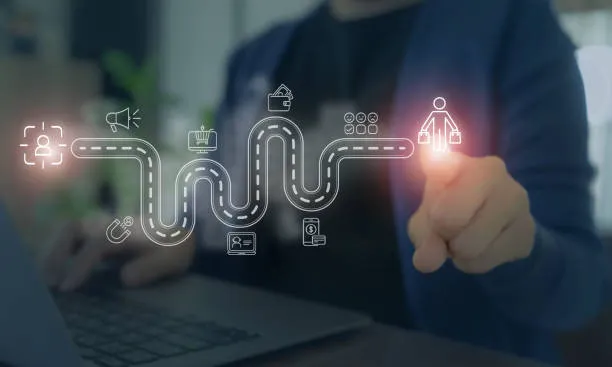
The integration of accounting software with tax advisors and banks significantly improves communication channels.
Information can be shared quickly and efficiently, resulting in better collaboration.
This also means that all parties involved are always up to date and can make well-founded decisions.
Secure data exchange

The security of your financial data is paramount, and integration with tax advisors and banks ensures secure data exchange.
Encrypted connections and robust security protocols protect your sensitive information from unauthorized access.
This gives you peace of mind that your data is secure and can only be viewed by authorized persons.
Using automation in accounting

Using automation in accounting means many benefits for your company.
- Saving time through automatic document entry
- Fewer errors thanks to digital processes
- Quick and transparent financial overview
- More focus on core business
- Improved collaboration with tax advisors
klarwerk GmbH provides you with professional and reliable support.
This allows you to work more efficiently and in a more modern way.
We show how digital financial processes work even faster and more modern in the guide to digital accounting and time saving.
Comparing accounting software
The comparison of accounting software shows the variety and advantages of different programs.
- Desktop software provides local data control and stable performance.
- Cloud solutions provide flexible access from anywhere and automatic updates.
- Hybrid systems combine the best of both worlds.
- Top providers such as sevdesk, Lexware and BuchhaltungsButler score points with various functions.
- Ease of use, automation, and GoBD compliance are important.
- The choice depends on company size and needs.
A well-founded accounting software comparison helps you find the best solution for your company, save time and reduce errors.
In this way, finances always remain under control.
Accounting software for small business owners
Small business owners often have specific accounting software requirements.

It's important to choose a solution that is both feature-rich and cost-effective.
The right software can help small business owners better manage their finances while saving time and resources.
Selection criteria
- Ease of use: The software should be easy to use, even for people without deep accounting knowledge.
An intuitive user interface makes it easy to get started and reduces the learning curve.
This means that you can quickly work with the software without spending a lot of time on training.
- Costs: The solution should be within budget and offer long-term cost savings.
Low-cost software is particularly important for small business owners who need to minimize their spending.
However, investing in the right software can result in significant cost savings over the long term.
- Support: Access to technical support when needed to resolve issues quickly.
Reliable support can be critical to resolving technical issues and ensuring that your accounting processes run smoothly.
This gives you peace of mind that you'll always get help if you have any issues.
If you want to improve your overall office organization, you can find further best practices in our article on digitally optimized office management.
Adaptability and scalability
Good accounting software for small business owners should be adaptable and scalable.
This means that the software can grow with your business and new features can be added as your needs change.
The ability to customize software to meet your specific business requirements is critical to long-term success.
Integrate with other business applications
Effective integration with other business applications is essential today.
Integration with other business applications enables a seamless connection between accounting software and other systems, such as CRM, ERP and payroll.
- Automatic data exchange reduces errors and effort
- Real-time overview of all business processes
- Quick coordination between departments
- Flexibility through modular interfaces
- Optimized work processes and time savings
Companies like klarwerk offer tailor-made integration solutions that are precisely tailored to individual needs.
In this way, customers benefit from a unique user experience and efficient workflow.
These integrations keep business processes transparent and easy to control.
For modern companies, integration is a key to success.
Mobile accessibility and flexibility
In today's mobile world, it's important that your accounting software is accessible from anywhere.

The ability to access your financial data from mobile devices provides flexibility and allows you to manage your finances on the go.
This means you can stay up to date anytime, anywhere, which is an advantage in an increasingly connected world.
GOBD-compliant software solutions
There are different types of accounting software: desktop solutions, cloud programs, and hybrid systems.
Each variant has its own advantages.
Particularly noteworthy is klarwerk, which impresses with professional advice and tailor-made software solutions.
- User-friendly programs
- Automation to reduce errors
- GoBD-compliant and legally secure
- Personalized customer support
- Unique customer experiences at klarwerk
FAQ:
1. Comparing accounting software — Which solution is right for you?
It depends on your company.
Simple programs such as sevdesk are suitable for small companies.
Larger companies often need Lexware or DATEV.
Usability and integration are important.
2. Which accounting software is particularly user-friendly?
Programs such as BuchhaltungsButler and Lexware impress with their intuitive operation.
You save time and reduce errors.
3. Can I try out accounting software for free?
Yes, many providers such as sevdesk or Lexware offer test phases.
This allows you to check the functions beforehand.
4. How useful is integration with tax advisors?
Very useful! DATEV interfaces facilitate data exchange.
This saves a lot of time and improves accuracy.
Conclusion:
Choosing the right accounting software depends on your specific requirements.
Whether you're a small business owner looking for a cost-effective solution, or a larger company with more complex needs, there's software for you.
The right decision can optimize your business processes and help you manage your finances efficiently.
A well-founded accounting software comparison shows which solution is perfect for you.
This saves you time, prevents mistakes and always keeps your finances under control.
Make the best decision for your company now!
ClearWorks Business Service
www.clearworks-bs.com
+49 157 9249 7112
+49 89 3816 9101.