.webp)



.png)
A website is not just “online” today. It is sales, branding, recruiting and support all in one. That is exactly why many are looking for a CMS web design agency, which not only “beautifully designs”, but also builds a system that flexibly, scalable and Can be cared for in everyday life is. This guide gives you clear decision-making tools: CMS system comparison, WordPress vs Webflow, Headless CMS, CMS migration And like you a Create a CMS website Can — without technical frustration and without making wrong decisions.
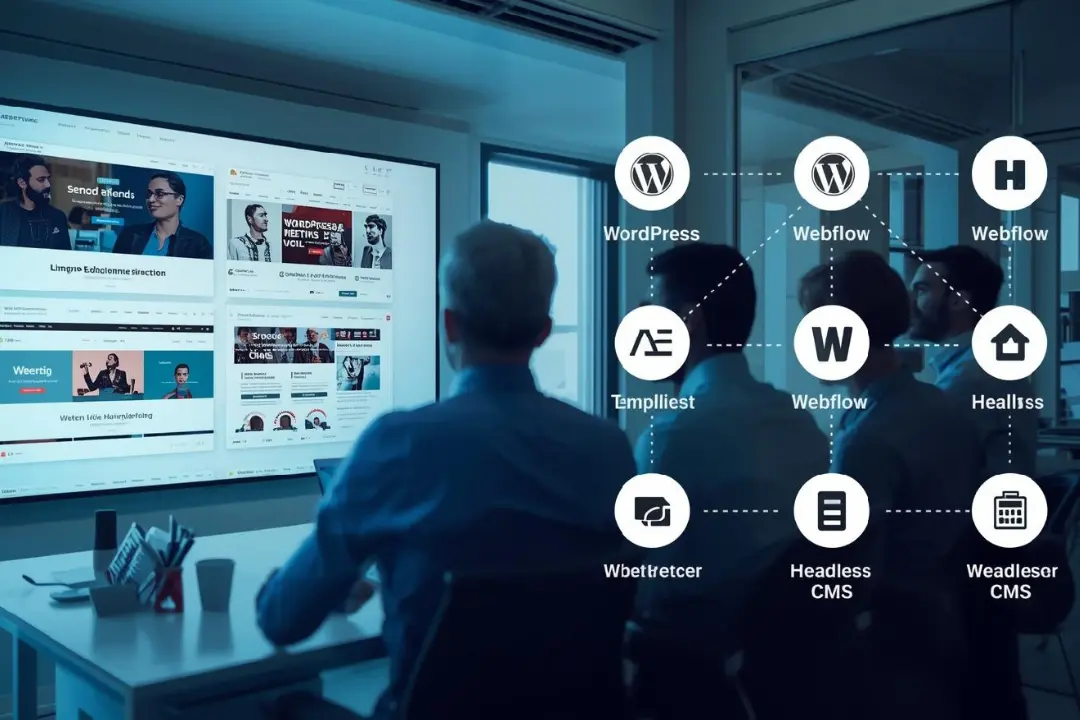
Choose a CMS web design agency
If you a CMS web design agency Do you not pay for “a website”, but one system plus process. The goal is: publish content quickly, expand pages, measure leads without the need for a development team every time.
Pay attention to these points when choosing:
- Strategy before design
Is there a workshop, target group and SEO concept — or just layouts? - Technical cleanliness
Structure, performance, security, clean tracking. - Handover and everyday life
Are you getting templates, training, clear roles, and documentation? - scaling
Can you easily add languages, areas, landing pages, campaigns later?
A good start is to understand cost logic — not just “design costs,” but technology, content, SEO, tracking, and maintenance. This fits thematically with Understanding cost factors in website optimization.
Clarify requirements clearly
The most common reason for expensive relaunches: You start with “we need a new website” instead of measurable requirements.
Define in advance:
- Objective of the website
Leads? Applications? bookings? Newsletters? Consultation appointments? - Content types
Blog, cases, landing pages, team, jobs, knowledge base, products. - Editorial processes
Who writes, who reviews, who publishes? - integrations
CRM, newsletters, appointment tools, analytics, consent, ads. - multilingualism
Now or later? How important is the translation workflow?
Practical quick test (without overthinking):
- Which 10 pages will generate the most turnover/benefits in the future?
- Which 5 pieces of content must be maintained weekly/monthly?
- Which 3 processes need to be automated or facilitated?
If you generally want to become more familiar with SEO and website structure (also for better briefings to agencies), DIY SEO: Tips for beginners A useful start.
CMS web design agency benefits
One CMS web design agency is particularly valuable when you grow Want: more pages, more campaigns, more languages, more teams, more leads. The core benefit is not the CMS alone — but a scalable content architecture.
Typical benefits that you feel in everyday life:
- Quick content output
Templates + components instead of rebuilding every page. - Clear structure for SEO
Clean information architecture, internal linking, snippets. - Better collaboration
Marketing can maintain content without a developer bottleneck. - measurability
Cleanly integrated tracking, campaigns can be evaluated. - Long-term maintainability
Updates, security, clear responsibilities.
And: If the website is also to become a lead machine later on, the combination of CMS structure and campaign logic is crucial. In this context, Performance marketing agency More leads for SMEs Help as a thinking model: system + funnel + measurable results.
CMS system comparison
A CMS system comparison works best when you not only compare features, but Risk, effort, and growth.
Criteria that really count
- Editor experience
How quickly can your team create and review content? - Components and templates
Can you build landing pages without chaos? - SEO options
Meta, URL logic, redirects, sitemaps, scheme, internal links. - performance
Loading time, image optimization, code ballast. - Security and updates
Who patches what—and how often? - scaling
Multilingualism, roles, rights, workflows. - Vendor lock-in
How easy can you switch later?
Rules of thumb for choosing
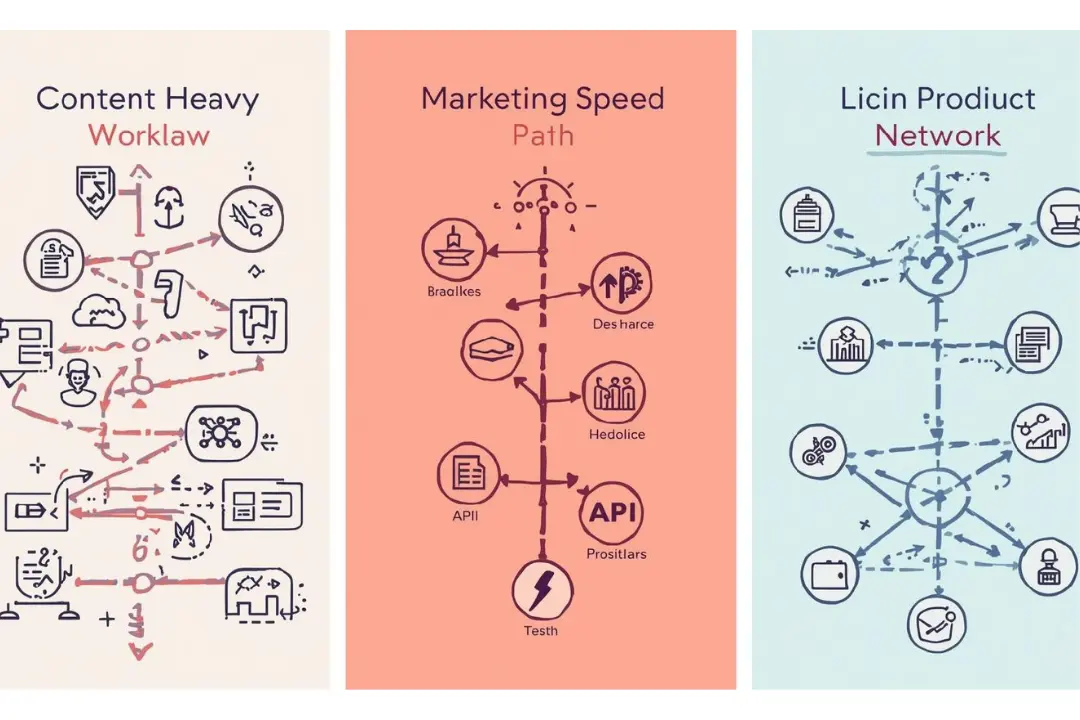
- Content-heavy pages (blog, knowledge, many landing pages): Focus on editorial workflow + templates.
- Marketing speed (campaigns, quick A/B tests): Focus on components + publishing speed.
- tech product (app, omnichannel): Focus on API/Headless + integrations.
If you plan campaigns systematically, the CMS decision becomes easier because you know what you need in the long term. That is exactly what Planning online marketing campaigns From idea to results a useful point of view.
WordPress vs Webflow
WordPress vs Webflow It's not a question of faith — it's a question of setup, team, budget, and risk profile.
WordPress briefly classified
WordPress is still the dominant CMS: According to W3Techs, WordPress is included around 43% of all websites and with over 60% share among websites with a well-known CMS.
Strengths:
- huge ecosystem (themes, plugins)
- flexible for many use cases
- good for SEO when implemented cleanly
- many service providers available
Risks that you have to realistically plan for:
- Plugin overgrowth can cost performance and stability
- Security depends heavily on updates, hosting, and setup
- Quality varies greatly depending on the theme/plugin/agency
Webflow in a nutshell
Webflow is significantly smaller in the market: W3Techs names around 0.9% of all websites and approx. 1.2% with a well-known CMS.
Strengths:
- very quick implementation of design and layout
- good control over components and styles
- often less technical ballast than classic theme stacks
- very strong for marketing teams that iterate quickly
Risks/Limitations:
- Depending on the project, vendor lock-in may be more relevant
- complex special logic requires a clean concept or additional solutions
- Migration/export is possible, but not “one click”
Decision-making aid in plain language
Webflow is often a good fit when:
- you build lots of landing pages and campaigns
- Your team wants to publish quickly
- you need a consistent design system
WordPress is often a good fit when:
- you need maximum expandability
- You can make good use of many integrations/plugins
- You want to fine-tune editorial processes with roles/rights
If you're planning traffic via Google Ads, the CMS should support clean landing pages, tracking, and speed. As a guide to when professional ads support makes sense: Advertising agency for Google Ads When is it worthwhile.
Understanding headless CMS
A Headless CMS separates content (CMS) from presentation (frontend). Content is delivered via APIs and can be played out in a website, app, portal or even IoT. This is particularly exciting when you need omnichannel, multi-platform, or complex front ends.
When headless makes sense
- You have several playback channels (web + app + portal)
- You need high scalability for content
- You want to freely choose front-end technology
- You are planning modular systems for the long term
When headless becomes unnecessarily complex
- You “just” need a marketing website
- Your team wants to publish without a developer
- You want quick results without tech overhead
Practical tip: Headless is strong — but only when roles, modeling, and governance are clean. Otherwise, it will be more expensive than necessary.
Create a CMS website
One Create a CMS website means: not just building pages, but a modular system for content.
Model content first
Before you design, define:
- Content types: page, post, case, FAQ, team, job
- Fields: title, teaser, modules, CTA, SEO fields, categories
- Relationships: Case belongs to industry, contribution to category, landing page to campaign
Components instead of individual pages
A scalable CMS setup uses reusable modules:
- Hero with CTA
- Text + image
- Benefits
- testimonials
- FAQ
- Pricing block
- form
This allows your team to build new landing pages in minutes — without constantly adding new templates.
Editing and approval
Set a workflow:
- Draft → Review → Approval → Publish
- Roles: Author, Reviewer, Admin
- Pre-publication checklist: SEO fields, images, links, tracking
When planning the economic framework for ads and landing pages, it helps to know models — e.g. Google Ads agency prices Find the right model.
Plan a CMS migration
One CMS migration is more than “copying content.” It's a risk-taking project — but it can be planned if you proceed cleanly.
What typically goes wrong during migrations
- URL structure is changed without redirects
- Media is migrated improperly (images are missing, alt texts gone)
- Tracking/consent is forgotten
- SEO metadata is lost
- internal link breaks
- Roles and rights are not being rethought
Migration in clear steps
- inventory
Capture all pages, templates, content, media, forms. - SEO backup
Export a URL list, prepare redirect mapping, protect important rankings. - content strategy
What is migrated, what is improved, what is deleted? - Technical structure
CMS models, templates, modules, integrations. - Test phase
Staging, Performance, Forms, Tracking, 404, Redirects - Go-live
Check DNS/Deploy, Monitoring, Error Fix, Indexing
For post-launch performance, it's worth knowing quick levers — similar to campaign optimization. The principle is also found in Google Ads optimize 10 quick performance levers.
Security and updates
Security is not an extra when it comes to CMS projects. It is part of quality. The Federal Office for Information Security (BSI) provides recommendations on secure web applications — including requirements for development and operation.
Why updates are mandatory
CMS, plugins, themes, and server components are regularly updated to fix errors and security gaps. Patch and update management is therefore a central component of secure operation.
What a good agency actually delivers
- clear update strategy (who patches what, how often)
- Need-to-know roles and accesses
- Backup and restore concept
- secure passwords and 2FA where possible
- Test environment for updates to critical systems
The BSI also underlines the need for transparency for clients How updates can be deployed and installed.
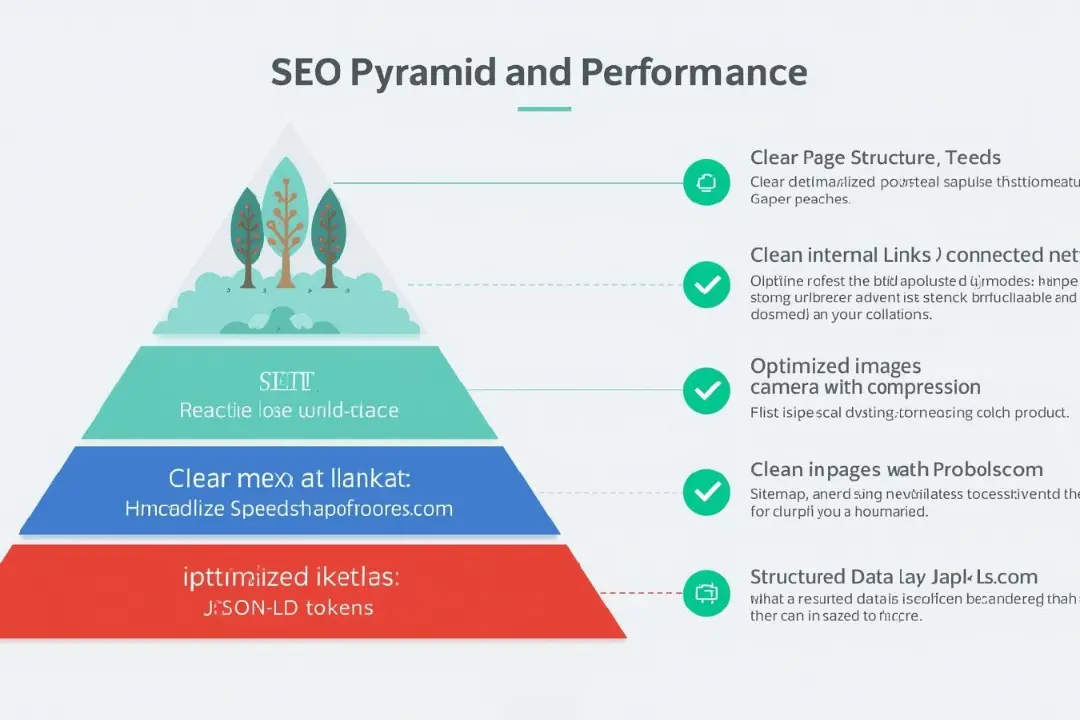
SEO and performance
A CMS is only as good as the website that comes from it. In practice, SEO and performance include:
- clear page hierarchy
- clean internal linking
- fast loading times
- optimized images
- clean indexability (sitemaps, robots, canonicals)
- structured data where appropriate
Typical performance brakes
- too many scripts and trackers without a strategy
- uncompressed images
- unnecessary fonts and libraries
- Plugin overload (especially with WordPress)
- lack of caching strategy
Measurability right from the start
Don't plan tracking “later”, but in the setup:
- Consent/data protection cleanly integrated
- Analytics/tags structured
- Conversion goals defined (form, deadline, click, download)
If you want to set up your first campaign, you need landing pages that load quickly and convert clearly. A good start is Advertise on Google Start your first campaign.
Costs and time frame
You wanted figures — here are realistic framework values from typical agency projects (as a guide, not as a fixed price, because scope varies greatly):
Typical time periods
- small CMS website (e.g. 8-15 pages, clear structure): often 4—8 weeks
- medium website (templates, blog, multiple landing pages): often 8-12 weeks
- migration (old system + redirects + content optimization): often 6—14 weeks
- Headless project (API, frontend, integrations): often 10—20+ weeks
Typical cost logic
- concept, UX, design system
- CMS modeling, templates/components
- Implementation, performance, SEO basics
- integrations (CRM, newsletter, appointment, tracking)
- Training, documentation, maintenance
Important: A cheap start will be expensive if migration, technical debts and SEO losses occur later on. That is why a clear scope and a clean setup are worthwhile.
If you also combine organic growth and campaigns, a structured overall setup is often the game changer. You can also use the second angle for this: Understanding cost factors in website optimization.
Cooperation with agency
For cooperation with an agency to be truly efficient, these building blocks should be included:
- Kickoff with goals, target groups, page structure
- Content plan: What do you write, what does the agency deliver?
- Design system: components, typography, spacing, buttons
- CMS setup: models, templates, roles, approval
- QA: SEO, Performance, Forms, Tracking, Responsiveness
- Training: editing, maintenance, releases
- Maintenance: updates, monitoring, minor optimizations
Mini checklist for your briefing:
- 3 main goals of the site
- 3 most important target groups
- 10 most important pages
- 5 most important conversion actions
- desired integrations
- Languages and regions
If you want to structure yourself in parallel without losing yourself, you can change the way of thinking DIY SEO: Tips for beginners use: Build, measure, improve step by step.
Scaling in operation
Scaling means you can grow without chaos.
You can do this if you:
- Use templates consistently
No “special pages” that no one can maintain. - Have content governance
Who is allowed to change something? Who checks? - clear URL logic hast
So that SEO, tracking and navigation remain stable. - Maintenance planned hast
Updates, backups, monitoring as a routine, not as an emergency.
In the long term, a system that supports — not blocks — your marketing and sales processes pays off. This is exactly where the website goes from an “online flyer” to a growth channel.
Start a CMS web design agency
If you've read this far, it's clear: A CMS web design agency Is it the right decision if you use a CMS not as a tool but as Growth platform want to use.
This is how you start smartly — without wasting time:
- Define 3 goals and 10 core pages
- Decide whether you need “marketing speed” or “maximum expandability”
- choose CMS based on editorial workflow, scale, and risk
- Plan migration and SEO backup in case you relaunch
- Set security and updates as standard
CTA Klarwerk agency (short and practical):
If you want a scalable CMS website — including clean CMS system comparison, clear decision WordPress vs Webflow, optional Headless CMS, and a predictable CMS migration — supports you Klarwerk agency with concept, design system, CMS setup, SEO basis and measurable launch. Goal: a system that your team really uses — and that doesn't have to be rebuilt later.
FAQ
1) Which CMS is best?
The best CMS is the one that your team can securely maintain and that technically supports your growth goals.
2) WordPress or Webflow for B2B?
Both can fit. Webflow often for fast marketing landing pages, WordPress often for flexible expandability — the setup is decisive.
3) What is a headless CMS simply explained?
Content is managed in the CMS but played to the website/app via APIs. This makes systems more flexible, but usually more complex.
4) How long does a CMS migration take?
Often 6—14 weeks, depending on scope, SEO backup, redirects, content revision, and integrations.
5) What do I need to pay attention to when it comes to CMS security?
Regular updates, clean access rights, backups, and a clear patching process are mandatory.
conclusion
One CMS web design agency is not just there for “a new website.” It builds a platform for you that plays content quickly, cleanly supports SEO, supports campaigns and grows with your company. With a clear CMS system comparison, a realistic decision for WordPress vs Webflow, a useful classification of Headless CMS And a cleanly planned CMS migration Avoid expensive detours — and get a system that works in everyday life.
External sources
- BSI — recommendations for web applications (bsi.bund.de)
- LSI Bayern — patch management (PDF) (BSI)