
.webp)



.png)
For many medium-sized companies, accounting is not a luxury, but a daily necessity. With growing orders, multiple customers, various payment methods and legal requirements, manual bookkeeping can quickly become overwhelming.
That is why today they are best tools for accounting in medium-sized companies Decisive: They automate processes, reduce errors, save time and create transparency.
In this article, you'll learn how to use the right tools to make your accounting secure, efficient and sustainable.
We will introduce you to proven software solutions, show selection criteria and give practical tips for integration and use. Goal: You can make well-founded decisions about which tool is right for your company — and thus strengthen your core business.
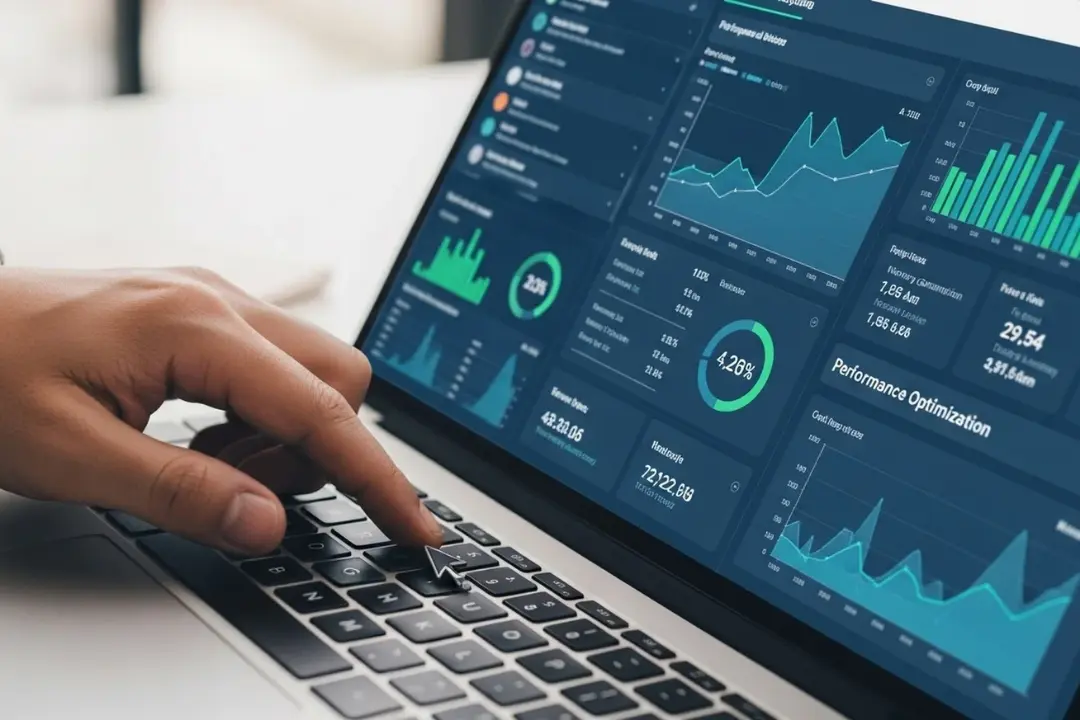
Select the best accounting tools for medium-sized businesses
Why digitization is necessary
- Growing amounts of data: With increasing order
AgsvoLumen and customer base are piling up invoices, receipts, incoming payments and expenses. Manual filing quickly leads to chaos. - Legal requirements: GoBD archiving, advance sales tax returns, timely submissions — digital tools help to securely meet legal requirements.
- Time and resource efficiency: Instead of spending hours with Excel or piles of paper, you can focus on growth and customers.
A well-thought-out tool reduces administrative burden and transforms accounting into a supporting process instead of a burden.
Also read: The most common accounting mistakes and how to avoid them
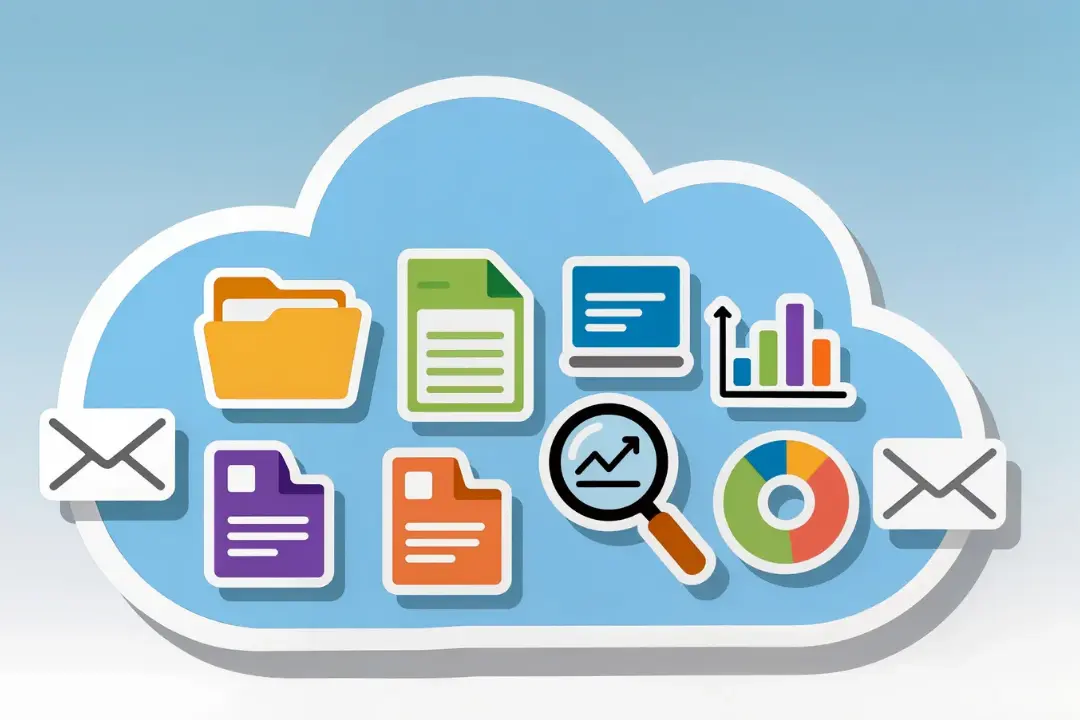
What is important when choosing
When choosing an accounting tool, consider the following criteria:
- Cloud access & mobility: Access from anywhere—office, home office, or on the go.
- automation: Document scan via app, automatic account reconciliations, automatic advance sales tax returns.
- Interfaces: Bank, payment service provider, payroll, inventory management.
- Legal certainty: Encryption, backups, audit-proof archiving (GoBD compliant).
- Ease of use: Intuitive operation — so you can get started even without an accounting professional.
Also read: Comparing accounting software Which solution is right for you

Comparing software solutions
Lexoffice — ideal for small to medium-sized businesses
- Intuitive operation, clear interface.
- Automatic bank and payment account reconciliation.
- Integrated invoicing, offer management, EHR and VAT preparation.
- Digital document entry via app or upload — perfect for traveling.
Lexoffice is particularly suitable if your company remains manageable, you do not need a comprehensive balance sheet, but are looking for efficiency and order.
sevDesk — strong with many individual documents
- Focus on automation: document scanning, automatic account assignment and categorization.
- Integration of payment service providers and banks.
- Flexible adjustment — ideal for service providers and freelancers with changing numbers of documents.
sevDesk saves you a lot of time when there is a high number of documents and reduces manual work to a minimum.
DATEV Unternehmen Online — standard for growing SMEs
- Complete bookkeeping, accounting and extensive features.
- Perfect collaboration with tax advisors.
- Ideal for complex structures, multiple employees or growing requirements.
If your company is growing and needs professional accounting, DATEV is usually the safest and most long-term solution.
Also read: Accounting can be so easy for self-employed people Step-by-step instructions
Sage 50/Sage 100 — extensive ERP integration
- Combination of accounting, inventory management, warehouse management and payroll.
- Suitable for manufacturing companies, retailers or companies with warehousing & distribution.
- Wide range of functions; familiarization a bit more demanding, but very flexible.
With Sage, you combine financial and business processes in a comprehensive software solution.
Debitoor and simpler tools — a quick start for small teams
- Very easy to use, quick invoicing and offer management.
- Embedded EUR functionality — ideal for solo self-employed people or small businesses without major administrative burdens.
If your company stays small and you just want to get started, Debitoor is a good start without complexity.
The best tools for SMEs — advantages in everyday life
Automation and time savings
Modern tools automatically recognize receipts, record payments and create reports. This saves you many hours of manual work and gives you time for core tasks.
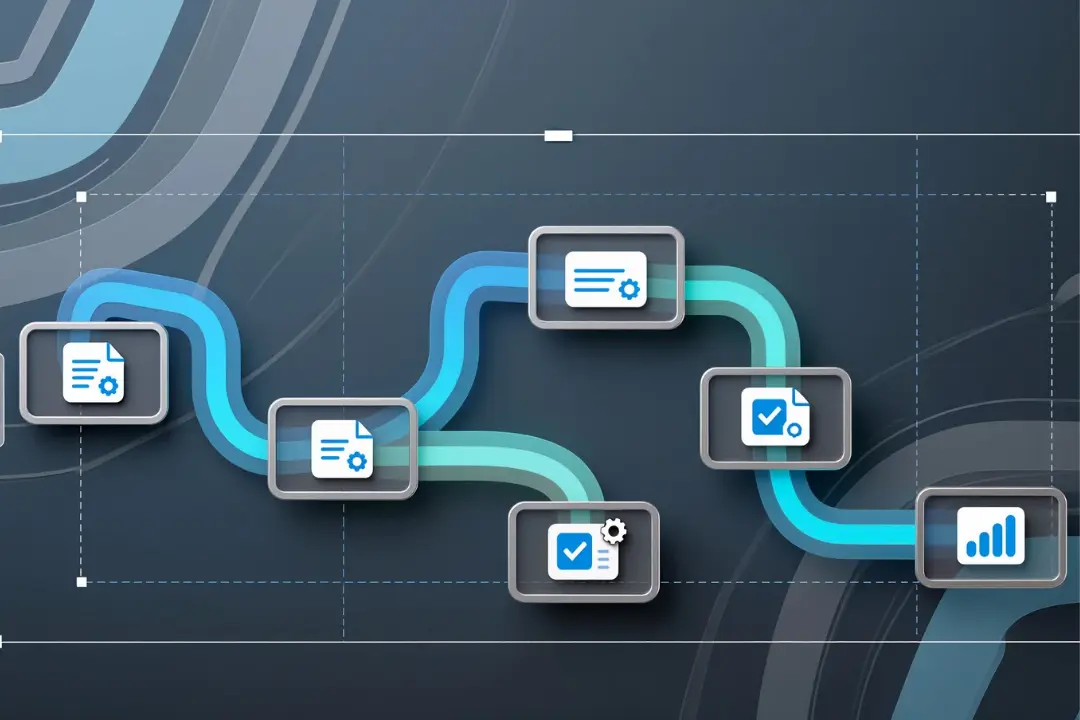
Lower error rate
Automatic account reconciliations, plausibility checks and digital archiving Minimize errors — crucial in sales tax, depreciation and accounting.
Real-Time Visibility
Whether it's outstanding invoices, liquidity, cost structure or sales development — with digital tools, you always have an overview. Immediate basis for smart decisions.
Scalability as you grow
As your business grows, your accounting grows with it—without you having to hire new accountants. Tools adapt: more documents, more modules, more users.
Legal certainty and compliance
With audit-proof archiving, backups and secure data management, you are traveling in compliance with the law — important in the event of an audit.
👉 Reading tip: Comparing accounting software helps you make the right decision.
How to implement an accounting tool
Step 1: Analyze requirements and structure
- How many receipts are there per month?
- Do you just need YOUR or balance sheet?
- Are there warehouses, inventory management, salaries?
- Which interfaces do you need (banks, payment service providers, payroll)?
The clearer your requirements profile, the more targeted the selection.
Step 2: Carry out the test phase
Use free trials — upload real sample receipts, test export, tax reports, and ease of use. This way, you can quickly see whether the tool is right for you.
Step 3: Check data protection & compliance
Pay attention to encryption, automatic backups, GoBD compliance, and role management. Digital security is a must, not an option.
Step 4: Involve the team and define processes
Even with the best software, you need clear processes: Who scans documents? Who checks invoices? Who approves the export? Define responsibilities early on.
Step 5: Integration with tax advisor or service provider
If you work with an external tax advisor or plan to work with an agency such as clearworks, check import/export formats (such as DATEV), interfaces, and transfer arrangements.
Also read: 10 tips on how to organize your bookkeeping efficiently and save taxes
Start digitally and securely now
If you finally want to make your bookkeeping efficient, secure and time-saving, you are at clearworks agency Just right.
We take care of your bookkeeping completely remotely:
- Digital document entry
- Automated bookkeeping
- GoBD compliant archiving
- Monthly evaluations & tax reports
➡️ Outsource accounting now and gain time for your core business!
Flexibility, security and transparency
Mobile and cloud-based work
Cloud tools give you access anytime — whether you're working from home, or on the go. This keeps your company flexible and mobile.
Automatic updates and legal adjustments
If there are changes in tax law or regulations, cloud providers automatically provide updates — you always stay up to date without effort.
Expandability and modularity
Many tools can be extended with modules: payroll, project management, inventory management, international business — growth without system change.
FAQ — common questions
1. Which software is suitable for small and medium-sized companies?
Cloud solutions such as Lexoffice or sevDesk are perfect for small to medium-sized businesses: flexible, cost-effective and easy to use.
2. When is a professional solution such as DATEV or Sage worthwhile?
As soon as your company grows, has several employees or requires accounting, it is worthwhile switching to professional tools such as DATEV or Sage.
3. Is cloud-based accounting secure and legally compliant?
Yes — modern providers offer encryption, backups, and GoBD-compliant archiving, provided they are properly configured.
4. Does software replace tax advisors?
Not completely. Software may be sufficient for simple EUER. In complex bookkeeping, balance sheets or international business cases, the tax advisor remains an important partner.
5. How quickly do you notice the benefits of a tool?
After just a few weeks: less manual effort, fewer errors, better overview and time savings — ideal for growth and planning.
Conclusion
Die best tools for accounting in medium-sized companies They're not nice-to-have—they're a necessity. They save time and costs, reduce errors, offer transparency and grow with your business. Combined with professional support from an agency such as Clearworks, accounting becomes a secure, efficient basis for sustainable growth.
Start digitally now — and focus on what really counts: your business.